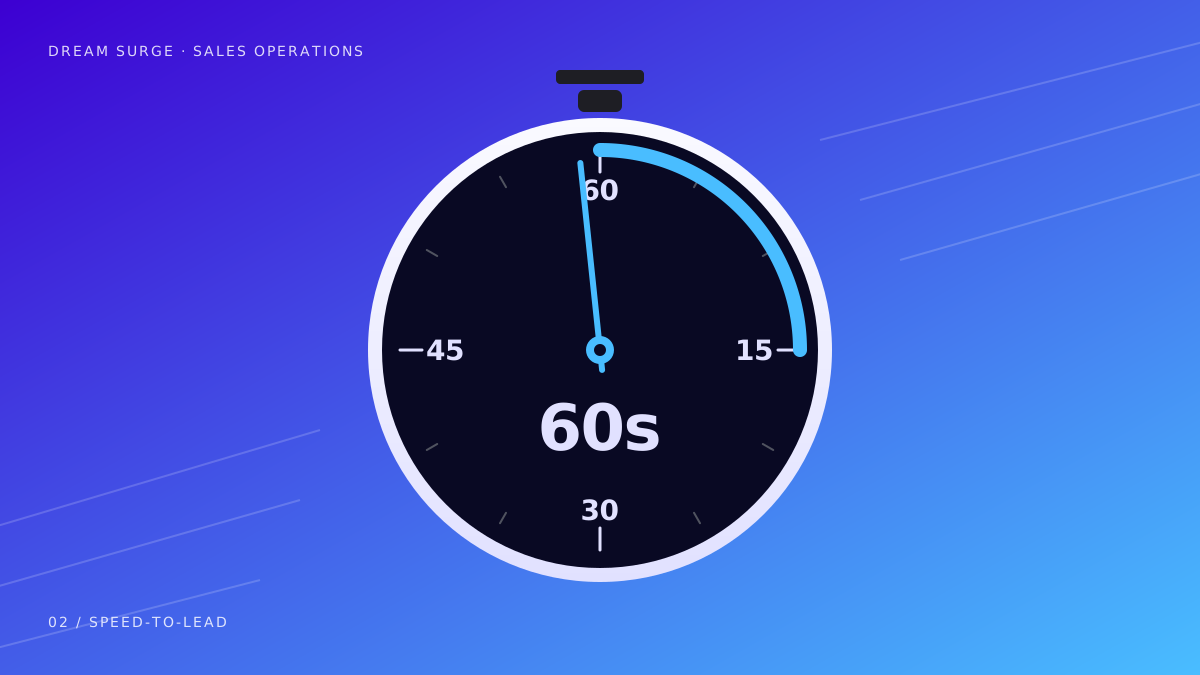
When a homeowner contacts a contractor, a prompt response gives them a clear next step. A 60-second acknowledgment can be a useful operating target for a connected workflow, but there is no universal conversion multiplier or guarantee that every inquiry can be answered in that time.
Define what you mean by response
An automatic acknowledgment, a conversation with a qualified staff member, and a confirmed appointment are different events. Measure them separately. A fast generic message can still leave the homeowner unsure whether you cover their area or can handle the job.
- Acknowledgment: the customer knows the business received the request.
- Qualification: the required service, location, and timing are understood.
- Handoff: a person or supported booking process takes responsibility.
- Confirmation: the customer knows the agreed next step.
Write down the intake questions
For a roofer, an active leak and a planned replacement call for different follow-up. For an electrician, the service area and type of work may determine who should respond. Ask only what helps the next decision. Avoid collecting sensitive information that is not needed for an ordinary estimate.
Your response should identify the business and use its approved instructions. If an AI assistant is involved, include the applicable disclosure. Requests outside its instructions need a human path rather than a confident but unsupported answer.
Connect the channels you actually use
- For website forms, confirm the submission reaches the right record and notification.
- For missed calls, test the connected number and the rules for a text response.
- For after-hours calls, test the AI intake and the callback or appointment process.
- For email or text follow-up, check the allowed audience, send windows, and stop conditions.
Connections matter as much as message wording. If a booking occurs in a system the workflow cannot read, the automation may not know to stop. Decide which events are connected and which require an office update before the workflow goes live.
Review automated follow-up triggers, stop rules, and pricing.
Give the handoff an owner
Assign someone to review replies and exception requests. Define what happens when that person is unavailable and how the team records a completed callback. A shared inbox can help the next person see the available history instead of making the homeowner repeat the entire request.
A scheduling assistant should use actual availability and the rules you approved. When direct booking is not connected, it should capture an appointment request for the office to confirm. Do not confuse a proposed time with a confirmed visit.
See how a unified customer inbox supports team handoffs.
Measure the result in your own business
Record the time of inquiry, first acknowledgment, useful contact, and booking. Review unanswered requests and opt-outs alongside successful appointments. Compare equivalent periods and separate the effect of response changes from advertising changes or seasonal demand.
Read Northline Roofing’s reported response-time change and the workflow behind it.
The practical goal is a dependable first response followed by an accurate next step. Start with the channel your office struggles to cover, test the whole path, and expand only after the team can manage the resulting conversations.